
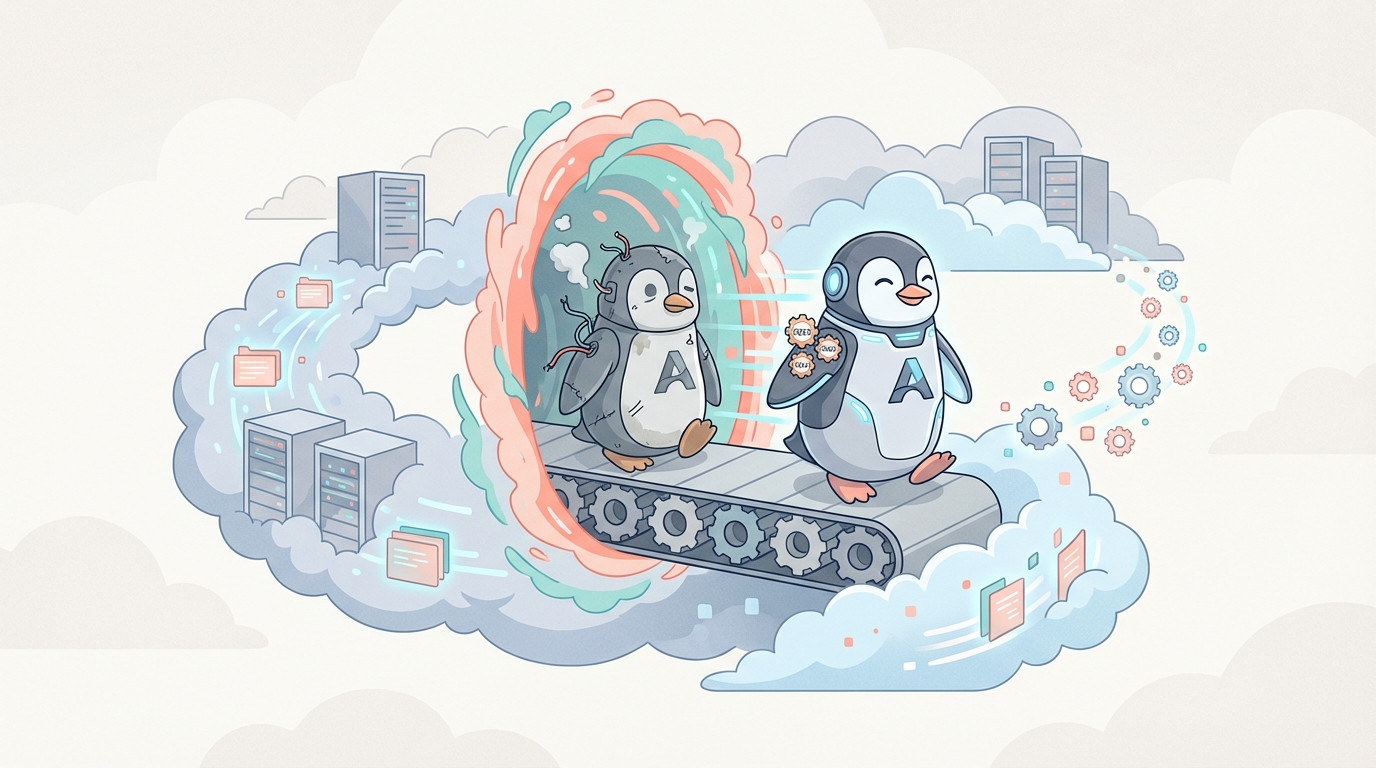
Amazon Linux 2023 is generally available from March 15, 2023. With this update older versions like Amazon Linux 2 will become further and further away from the term “Latest and Greatest”. Let’s explore why it is important and what should be done about it.
Predictable life cycle
Amazon Linux 2023 comes with no surprise as the next major version of Amazon Linux. This time AWS made a promise that starting with AL2023, a new Amazon Linux major release will be available every 2 years. And every major version will be supported for 5 years.
- Support for Amazon Linux 1 will stop on 31 December, 2023.
- Amazon Linux 2 will be supported until June 30, 2025 with minor updates.
In-place upgrades is a function that allows you to upgrade a version of Linux image on the same machine. Ubuntu supports it, but we have yet to see it for Amazon Linux. AWS did not approve nor deny plans for it from Amazon Linux 2023 to Amazon Linux 2025.
What is new?
Not listing all the changes, but pointing to the most significant ones from the perspective of Cloud Operations, here are some things new to Amazon Linux in 2023.
- Python 2.7 has been replaced with Python 3.
- By default upgrades are between minor versions. To receive a major upgrade you need to state version as upgrade target.
- AL2023 ships with AWS CLI version 2.
- AL2023 no longer includes any 32 bit userspace packages.
Drifting away
At the time of writing, the latest version of Docker available for Amazon Linux 2 was Docker 20.10.25. For AL2023 it is Docker 24.0.5.
Both installed with simple command:
$ yum install docker
Let’s imagine you want to use the latest Docker but still have Linux 2. Official Docker documentation provides instructions for most popular distributives, but does not support Amazon Machine Images.
Checking core image for Linux 2 with $cat /etc/os-release returns:
NAME="Amazon Linux"
VERSION="2"
ID="amzn"
ID_LIKE="centos rhel fedora"
VERSION_ID="2"
PRETTY_NAME="Amazon Linux 2"
ANSI_COLOR="0;33"
CPE_NAME="cpe:2.3:o:amazon:amazon_linux:2"
HOME_URL="https://amazonlinux.com/"
SUPPORT_END="2025–06–30"
You could say that maybe the following installation for Centos will solve the issue, but as you dig deeper — like the string from a sweater, the number of things to consider only grows and grows. You will face missing dependencies, problems during installation of those, etc.
At the end of the day, even if you are proficient with Linux, you will get a solution that only you know how to maintain. And all the bugs and glitches will be only yours.
Instead, you would be better off just using another instance with a newer image. Yes, custom applications still need to be reinstalled and data migrated. But in case of newer images, it should all work out of the box.
Best practice
Best practice is to rely on replacement instances, as it is much more reliable and predictable in being able to roll forward and back.
If you have an instance with Linux 2 that you want to upgrade, here is the shortest way to do it, while keeping all the network configuration on AWS side:
- Create snapshot of root volume for Linux 2
- Create new volume from snapshot
- Create new instance with AMI — Amazon Linux 2023
- Attach created volume to the new instance
- Install necessary software
- Move data from the attached volume to the main disk
- Detach extra volume
- Test the environment
After new instance with Amazon Linux 2023 is configured and tested
How to replace the old instance:
- Create snapshot of tested instance (Amazon Linux 2023)
- For old Network Interface of (Amazon Linux 2)
Change termination behavior to “Delete on instance termination: Disabled” 3. Terminate old instance ( downtime starts) 4. Create new instance with snapshot of (Amazon Linux 2023)
As a network interface, choose the existing ENI 5. New instance becomes ready ( downtime ends) 6. Test the environment and systems that rely on it
Useful links:
Amazon Linux 2 release notes: [ https://docs.aws.amazon.com/AL2/latest/relnotes/relnotes-al2.html]
Amazon Linux 2023 release notes
[ https://docs.aws.amazon.com/linux/al2023/release-notes/relnotes.html]
Comparing Amazon Linux 2 and Amazon Linux 2023 [ https://docs.aws.amazon.com/linux/al2023/ug/compare-with-al2.html]
Amazon Linux 2023 FAQs