

Trusted by teams scaling AI and Ray workloads in production








Connect in minutes
One API token. Full Ray cluster visibility.
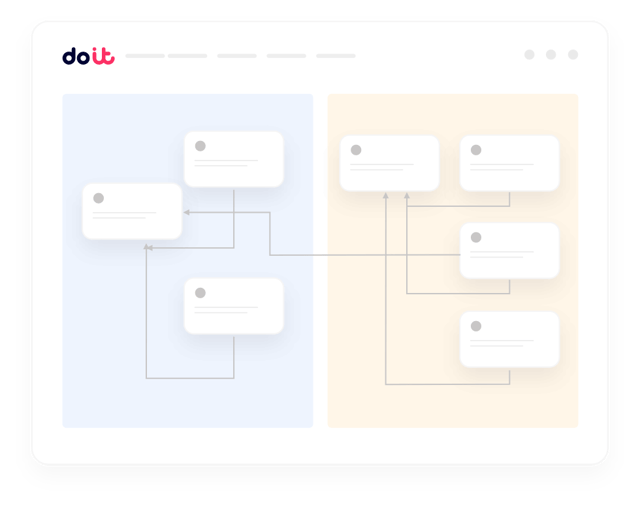
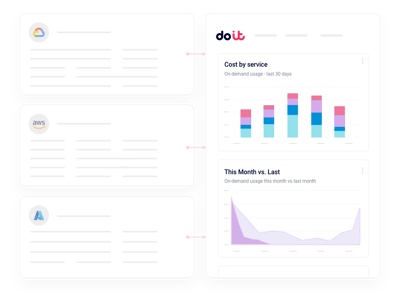
Connect your Anyscale organization with a read-only API token. DoiT ingests consumption metrics, cluster usage, and the underlying cloud spend from AWS or GCP automatically — no agents, no code changes in your Ray jobs. Unified reports land within hours of connecting.
What you get
Built for the realities of running Ray on Anyscale
The things FinOps and ML platform leaders actually ask us for when they connect their Anyscale organization.
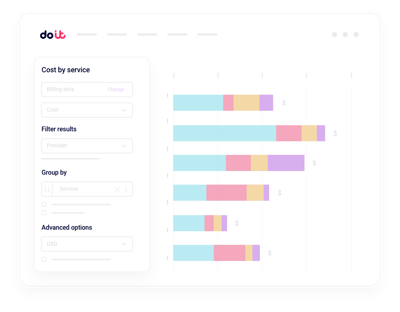
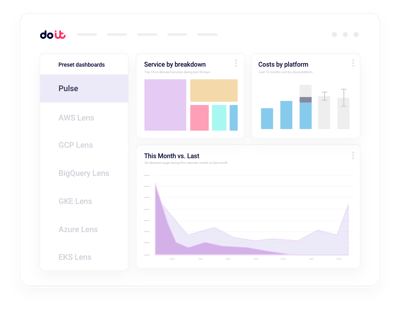
Unified consumption reporting
Slice Anyscale spend by workspace, project, cluster, or team alongside the underlying cloud costs.
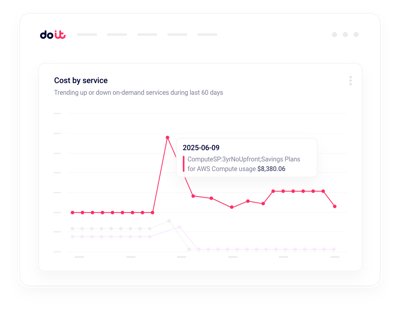
Real-time anomalies
Get alerted on runaway Ray jobs and GPU spend spikes in minutes.
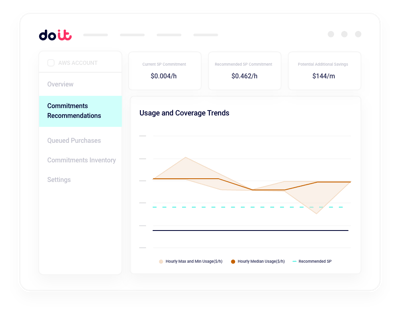
Cluster rightsizing
Find oversized head and worker nodes with actionable CPU, GPU, and memory recommendations.
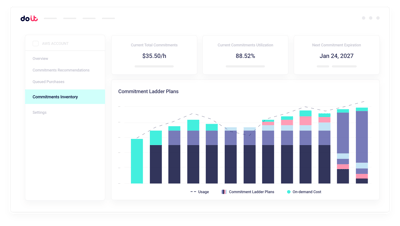
Idle cluster detection
Surface Ray clusters left running after jobs finish and reclaim the spend.
GPU and accelerator visibility
Untangle GPU, CPU, and xPU usage across training, tuning, and serving workloads that hide inside aggregate bills.
Governance and budgets
Set budgets per ML team or project and flag overruns before the next training run.
The Anyscale usage dashboard shows what you consumed. Cloud Intelligence™ helps you do something about it.
Beyond the Anyscale usage dashboard
Multi-cloud rollups
Consolidated views of Anyscale spend running on AWS, GCP, or Kubernetes, with drilldown into any cluster.
Real-time anomaly alerts
Machine-learning detection on workspace, cluster, and job dimensions, routed to Slack or email.
GPU commitment planning
Model Savings Plans, CUDs, and reservations against actual Ray usage before you commit a dollar.
Project and allocation hygiene
Find untagged Ray workloads, enforce allocation rules, and split shared costs the way finance expects.
Kubernetes cost allocation
Break down Anyscale-on-Kubernetes spend by namespace, workload, and label without extra exporters.
Forward Deployed Engineers
World-class cloud architects who work as an extension of your team to implement optimizations.
Fast-growing companies run on DoiT Cloud Intelligence™
Avg. savings within first 90 days
Avg implementation time

“DoiT's focus on reliability, mixed with the system's flexibility, helps us safely optimize our Amazon EKS workloads with zero-touch from our engineers.”
Oren Ashkenazy
Director of DevOps and Cloud at Fiverr
Ready to connect your Anyscale organization?
Put your Ray cluster spend under the microscope.
Frequently asked
questions
How do I get better visibility into Anyscale costs across workspaces and projects?
Connect your Anyscale organization once. Cloud Intelligence™ ingests consumption data for every workspace and project, so you can slice costs by cluster, job, team, or underlying cloud from a single view — no manual rollups.
What's the best way to integrate Anyscale usage data with Cloud Intelligence™?
Use a read-only API token from your Anyscale organization combined with your AWS or GCP billing connection. DoiT handles ingestion, normalization, and hourly-granularity reporting. Most teams are live within a day.
How can I see which Ray clusters or jobs drive most of my spend?
Cost & Usage reports let you drill from top-level Anyscale spend down to a specific cluster, job, or node type. Filter by workspace, project, region, or instance family without writing SQL.
How can I monitor Anyscale cost anomalies in real time?
Anomaly detection runs continuously across workspaces, clusters, and job dimensions. When something looks off — like a training run burning GPU hours overnight — you get a Slack or email alert with the likely cause.
How can I reduce waste from idle or oversized Ray clusters?
Cloud Intelligence™ flags clusters running below utilization targets, head nodes that are oversized for their workload, and clusters left idle after jobs complete. Each recommendation shows the estimated savings.
How can I allocate Anyscale spend back to ML teams and models?
Map Anyscale workspaces, projects, and tags to your internal cost centers. Shared GPU pools can be split using allocation rules, so finance sees per-team and per-model cost without manual spreadsheets.
How is Cloud Intelligence™ different from the Anyscale usage dashboard?
The Anyscale usage dashboard shows consumption estimates inside Anyscale. Cloud Intelligence™ ties that to real cloud spend, adds multicloud visibility, proactive recommendations, anomaly detection, governance, and access to forward deployed engineers.
Is my data secure when I connect my Anyscale organization?
Cloud Intelligence™ uses a read-only API token with least-privilege permissions. We never modify clusters or jobs without your approval, and the platform is SOC 2 Type II certified.