

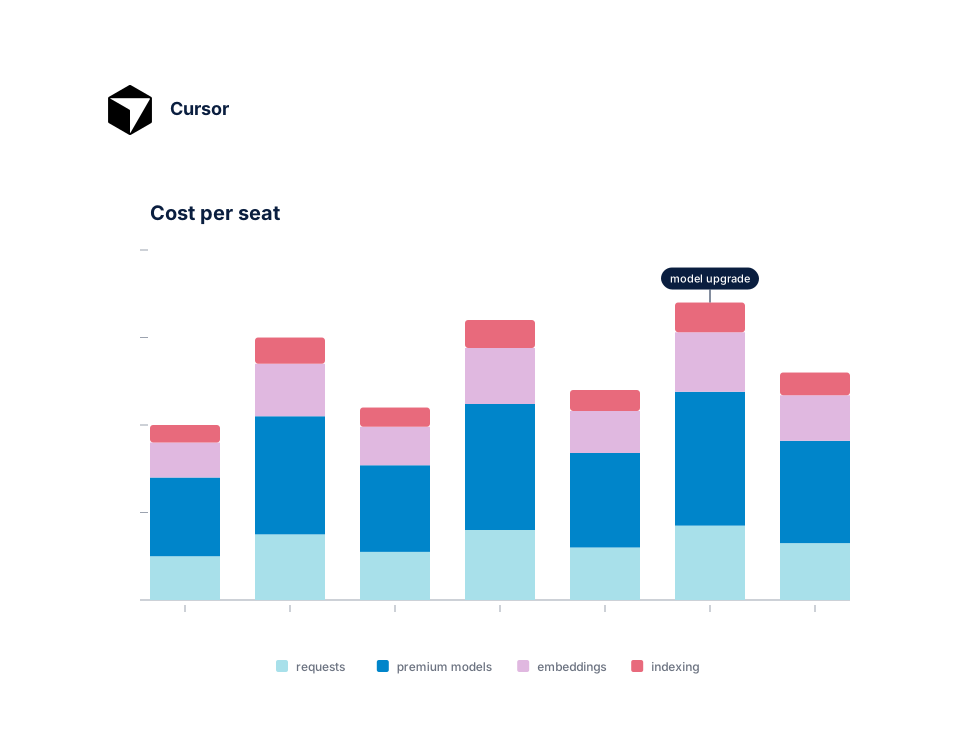
Trusted by engineering teams scaling AI-assisted development








Connect in minutes
One API key. Full Cursor visibility.
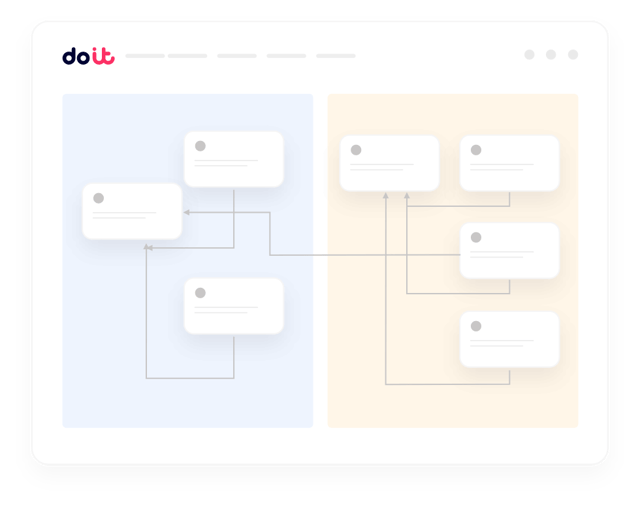
Connect your Cursor workspace with an admin API key. DoiT pulls seat assignments, usage-based request data, and invoice-level charges automatically — no agents, no CSV exports, no scripts to maintain. You'll have unified reports within hours of connecting.
What you get
Built for the realities of running Cursor at scale
The things FinOps and engineering leaders actually ask us for when they roll Cursor out across their org.
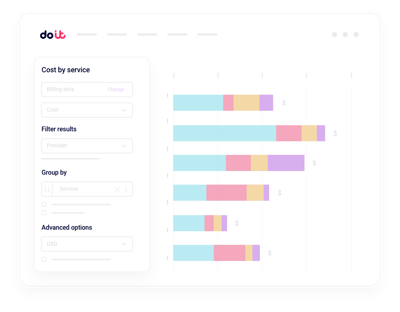
Unified Cursor reporting
Slice Cursor spend by team, workspace, seat type, or developer without exporting invoices into a spreadsheet.
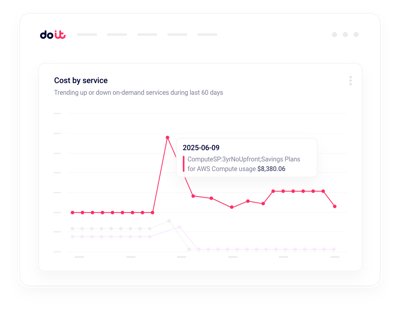
Usage anomaly alerts
Get notified when request-based usage spikes on a team or seat in minutes.
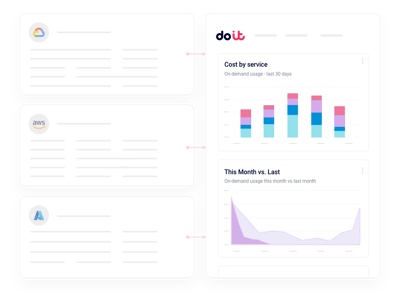
Seat utilization insights
Spot inactive Pro seats and downgrade or reclaim licenses before renewal.
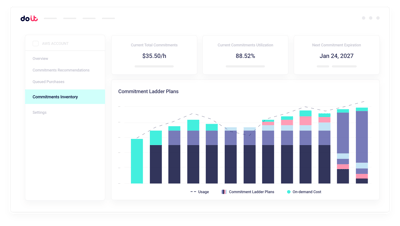
Subscription + usage split
Separate fixed seat fees from variable usage-based charges across every workspace.
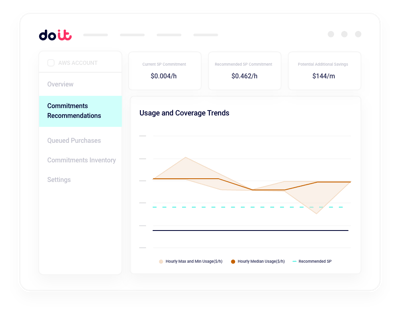
Cost per developer visibility
Attribute Cursor spend back to the engineer, team, or cost center driving usage — not just a single workspace invoice.
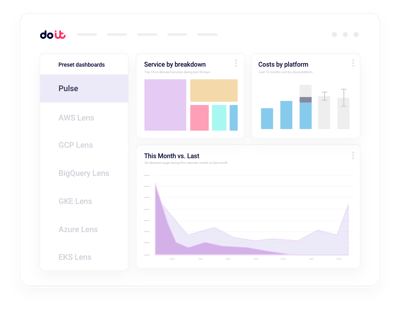
Governance and budgets
Set budgets per team and get warnings before usage-based spend runs away.
The admin console shows you seats and invoices. Cloud Intelligence™ helps you understand and govern the spend.
Beyond the Cursor admin console
Workspace rollups
Consolidated views across every Cursor workspace you operate, with drilldown into any team or seat.
Real-time usage alerts
Machine-learning detection on team, workspace, and seat dimensions, routed to Slack or email.
Seat and plan planning
Model Pro, Business, and usage-based tiers against actual developer activity before your next renewal.
Allocation and chargeback
Map Cursor seats and usage to cost centers, split shared spend, and hand finance a clean chargeback.
Developer tool cost allocation
Combine Cursor with GitHub, CI, and cloud spend so you see total cost to ship per team.
Forward Deployed Engineers
World-class cloud architects who work as an extension of your team to implement optimizations.
Fast-growing companies run on DoiT Cloud Intelligence™
Avg. savings within first 90 days
Avg implementation time

“DoiT's focus on reliability, mixed with the system's flexibility, helps us safely optimize our Amazon EKS workloads with zero-touch from our engineers.”
Oren Ashkenazy
Director of DevOps and Cloud at Fiverr
Ready to bring Cursor into your FinOps view?
Put seats and usage-based spend on one clear dashboard.
Frequently asked
questions
How do I get better visibility into Cursor spend across multiple teams?
Connect your Cursor admin workspace once. Cloud Intelligence™ ingests seat assignments, usage-based requests, and invoice data, so you can slice costs by team, workspace, seat type, or developer from a single view — no spreadsheets, no manual rollups.
What's the best way to integrate Cursor billing data with Cloud Intelligence™?
Use an admin API key scoped to your Cursor workspace. DoiT handles the rest: ingestion, normalization, and granular reporting across subscription and usage-based charges. Most teams are live within a day.
How can I see which developers or teams drive most of my Cursor usage?
Reports let you drill from total Cursor spend down to a specific workspace, team, or seat. You can filter by cost center, plan tier, or time range without exporting CSVs from the admin console.
How can I monitor Cursor usage spikes in real time?
Anomaly detection runs continuously across workspaces, teams, and seats. When usage-based request volume or spend looks off, you get a Slack or email alert with the likely cause — long before it shows up on your invoice.
How do I catch unused or underutilized Cursor seats?
Cloud Intelligence™ surfaces inactive seats and low-activity users so you can reclaim or downgrade licenses before renewal, and right-size Pro vs Business plan counts to real developer activity.
Can I split Cursor's subscription fees from usage-based charges?
Yes. DoiT separates fixed seat subscription costs from variable usage-based request charges, so finance can see exactly what is committed spend versus what will change next month.
How is Cloud Intelligence™ different from Cursor's built-in admin dashboard?
Cursor's admin view shows seats and invoices for a single workspace. Cloud Intelligence™ is a platform: cross-tool visibility, proactive recommendations, real-time anomaly detection, budgets, chargeback, and access to forward deployed engineers who help you act on what the data shows.
Is my data secure when I connect my Cursor workspace?
Cloud Intelligence™ uses a read-only admin API key with least-privilege scopes. We never modify your Cursor configuration, and the platform is SOC 2 Type II certified.