

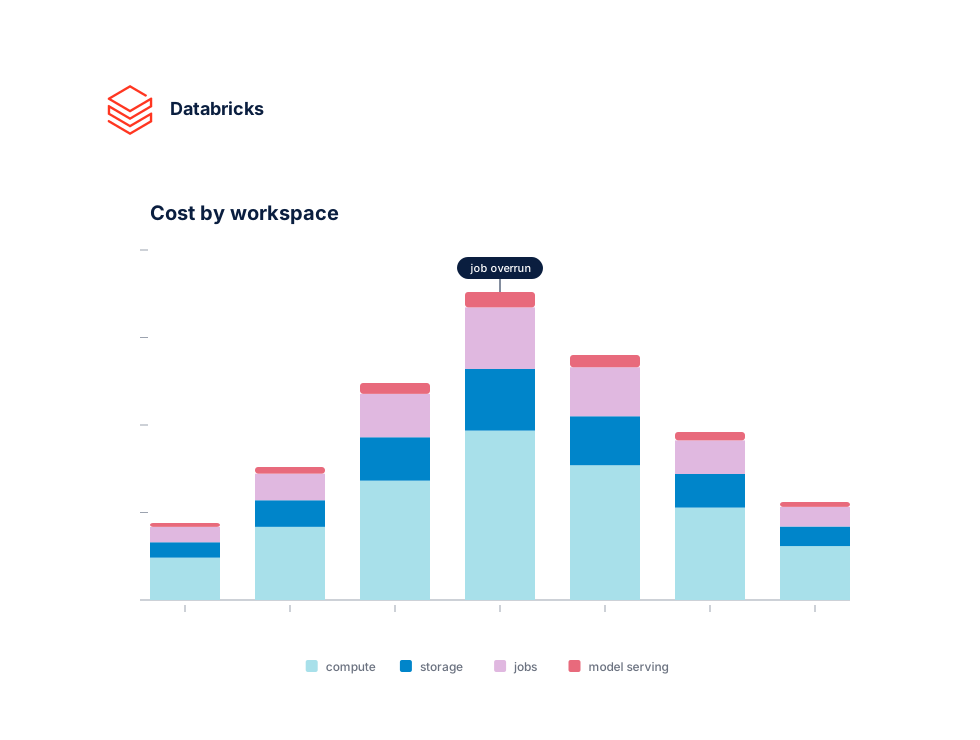
Trusted by data teams running Databricks at scale








Connect in minutes
One token. Full Databricks visibility.
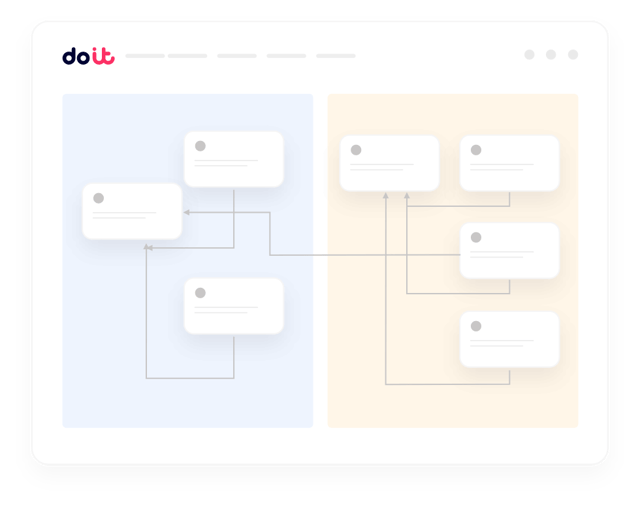
Connect each Databricks workspace with a service principal or access token and point DoiT at your system tables. We ingest DBU usage, job runs, and cluster metadata automatically, then join it with your AWS or Azure cloud bill — no exporters, no warehouse pipelines to maintain.
What you get
Built for the realities of running on Databricks
The things data and FinOps leaders actually ask us for when they connect their Databricks workspaces.
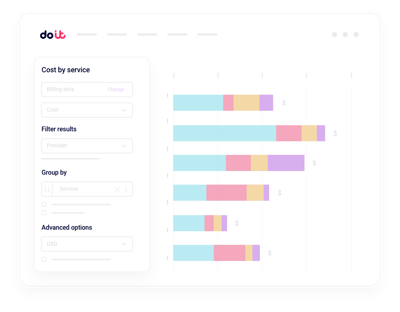
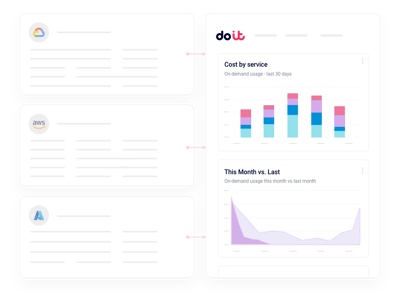
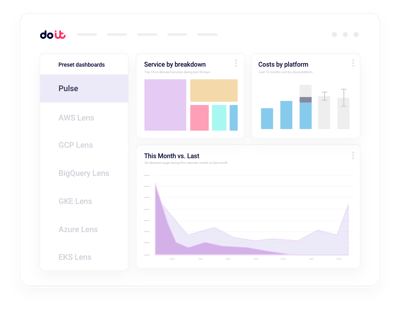
Unified DBU and cloud reporting
Slice spend by workspace, cluster, job, or tag and see DBUs plus the underlying compute and storage in one report.
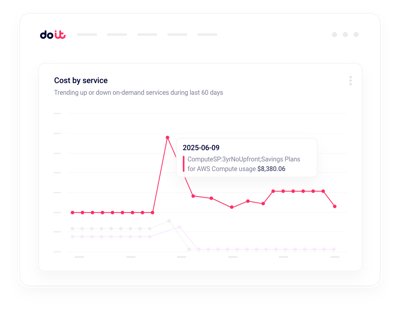
Real-time anomalies
Get alerted on DBU spikes and runaway jobs in minutes, not hours.
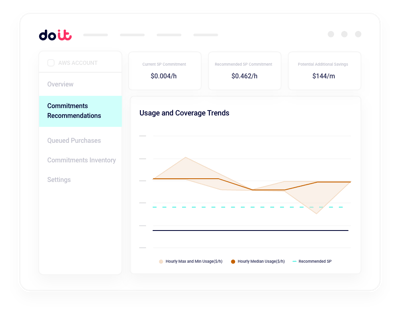
Cluster rightsizing
Spot oversized all-purpose and job clusters with actionable instance and autoscaling recommendations.
Job and notebook attribution
Attribute DBUs to the specific job, pipeline, or user that triggered them.
Serverless vs classic TCO
Compare serverless SQL, DLT, and classic compute side by side so you can tell where each workload truly belongs.
Governance and budgets
Set DBU budgets per team or workspace and catch drift before finance does.
System tables tell you what ran. Cloud Intelligence™ helps you do something about it.
Beyond Databricks system tables
Multi-workspace rollups
Consolidated views across every Databricks workspace and account, with drilldown into any cluster or job.
Real-time anomaly alerts
Machine-learning detection on workspace, cluster, and job dimensions, routed to Slack or email.
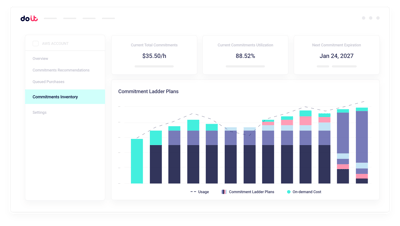
DBU commitment planning
Model Databricks commit tiers and cloud savings plans against actual usage before you sign a contract.
Tag and allocation hygiene
Find untagged clusters, enforce allocation rules, and split shared DBUs the way finance expects.
Job-level cost allocation
Break down DBU spend by pipeline, notebook, and user without building your own lineage.
Forward Deployed Engineers
World-class cloud architects who work as an extension of your team to implement optimizations.
Fast-growing companies run on DoiT Cloud Intelligence™
Avg. savings within first 90 days
Avg implementation time

“DoiT's focus on reliability, mixed with the system's flexibility, helps us safely optimize our Amazon EKS workloads with zero-touch from our engineers.”
Oren Ashkenazy
Director of DevOps and Cloud at Fiverr
Ready to connect your Databricks workspaces?
Put DBUs and cloud spend on one pane of glass.
Frequently asked
questions
How do I get visibility into Databricks costs across multiple workspaces?
Connect each workspace once with a service principal. Cloud Intelligence™ ingests usage from Databricks system tables and joins it with your cloud bill, so you can slice DBUs, jobs, and clusters by workspace, team, or tag from a single view.
What's the best way to integrate Databricks billing data with Cloud Intelligence™?
Grant read-only access to your system.billing schema and connect your underlying AWS or Azure account. DoiT handles ingestion, normalization, and hourly reporting. Most teams are live within a day.
Can I see which jobs, notebooks, or users drive most of my DBU spend?
Yes. You can drill from workspace totals down to a specific job run, DLT pipeline, SQL warehouse, or user. Filter by cluster tags, workspace, or compute type without writing SQL against system tables.
How can I monitor Databricks cost anomalies in real time?
Anomaly detection runs continuously across workspaces, clusters, and job dimensions. When DBU consumption spikes, you get a Slack or email alert with the likely cause before the overage hits your invoice.
How does this compare with Databricks' own usage dashboards and system tables?
System tables give you raw usage data. Cloud Intelligence™ turns it into a platform: unified DBU plus cloud-infra reporting, proactive rightsizing, real-time anomaly detection, budgets, and allocation logic that finance and engineering can both trust.
Can I compare serverless and classic compute costs?
Yes. Reports break out serverless SQL, DLT, model serving, and classic all-purpose and job clusters side by side, including the underlying cloud instance cost, so you can decide where each workload belongs.
Does it work with Databricks on AWS, Azure, and GCP?
Yes. Cloud Intelligence™ supports Databricks on all three hyperscalers and correlates DBU usage with the matching AWS, Azure, or Google Cloud bill for true total cost of ownership.
Is my data secure when I connect Databricks?
Cloud Intelligence™ uses read-only credentials with least-privilege scopes to your workspaces and system tables. We never modify jobs, clusters, or data, and the platform is SOC 2 Type II certified.