

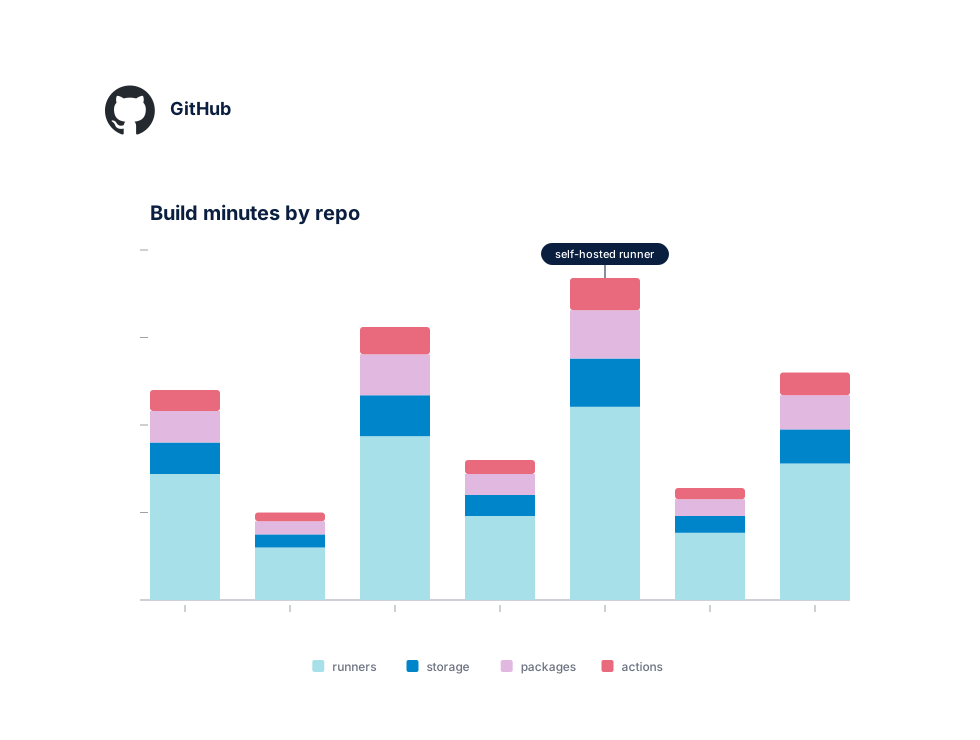
Trusted by engineering teams who ship on GitHub








Connect in minutes
One GitHub App. Full usage visibility.
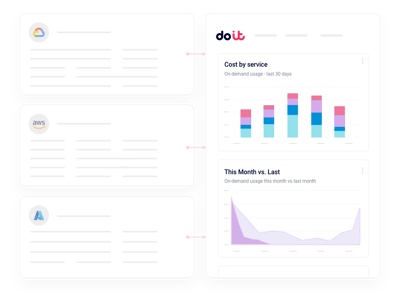
Install the DoiT GitHub App on your organization with read-only scopes. DCI ingests billing usage, Actions minutes, Packages storage, and Copilot seat data automatically — no runners to instrument, no CI changes, no invoice scraping. You're looking at unified reports within hours of connecting.
What you get
Built for the realities of running GitHub at scale
The things engineering and FinOps leaders actually ask us for when they connect their GitHub organization.
Unified usage reporting
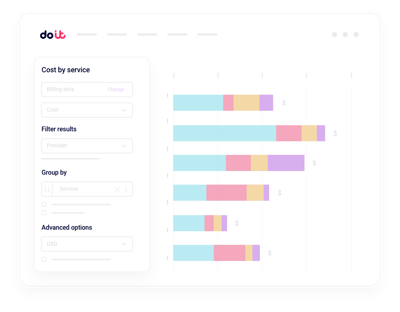
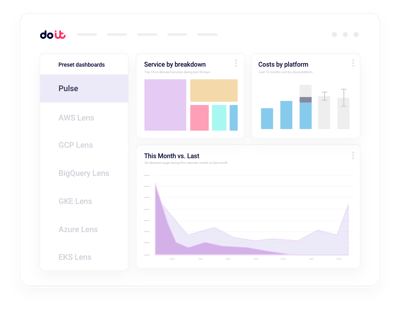
Slice GitHub spend by organization, repository, team, or cost center without scraping the billing API yourself.
Actions minute anomalies
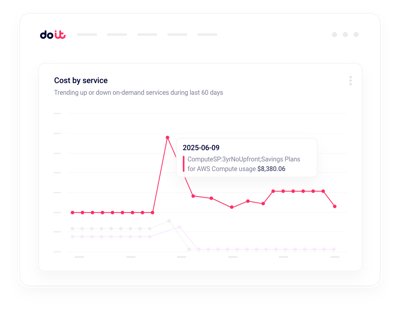
Get alerted when a workflow suddenly burns through minutes.
Runner optimization
Spot oversized runners and cacheable steps that inflate CI bills.
Copilot seat coverage
Track active vs assigned Copilot seats across every org.
Packages and LFS visibility
Untangle Packages storage, bandwidth, and Git LFS charges that hide behind a single line on the invoice.
Budgets per team
Set spending limits and policies by team or repo without chasing owners manually.
GitHub's usage page tells you what you spent. Cloud Intelligence™ helps you do something about it.
Beyond the GitHub billing page
Multi-org rollups
Consolidated views across every GitHub organization you operate, with drilldown into any repository or team.
Real-time anomaly alerts
Machine-learning detection on Actions minutes, storage, and seat dimensions, routed to Slack or email.
Seat and plan planning
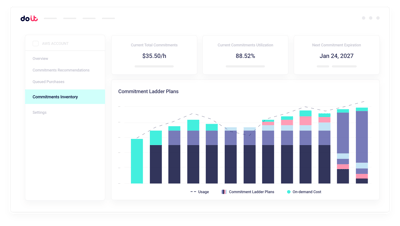
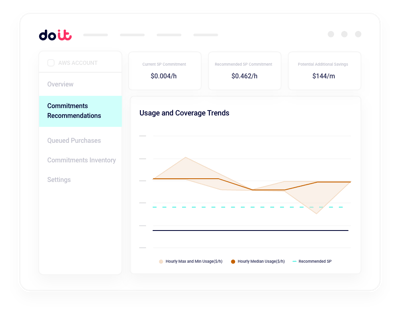
Model Copilot seat counts and Enterprise plan changes against actual usage before you commit.
Repo and team allocation
Attribute CI, storage, and seat costs to the right teams so finance gets a showback report that ties out.
Workflow-level breakdowns
Break down Actions spend by workflow, job, and runner label without adding custom instrumentation.
Forward Deployed Engineers
World-class cloud architects who work as an extension of your team to implement optimizations.
Fast-growing companies run on DoiT Cloud Intelligence™
Avg. savings within first 90 days
Avg implementation time

“DoiT's focus on reliability, mixed with the system's flexibility, helps us safely optimize our Amazon EKS workloads with zero-touch from our engineers.”
Oren Ashkenazy
Director of DevOps and Cloud at Fiverr
Ready to connect your GitHub organization?
Put Actions, Packages, and Copilot spend in focus.
Frequently asked
questions
How do I get visibility into GitHub costs across multiple organizations?
Install the DoiT GitHub App on each organization once. Cloud Intelligence™ ingests usage for every org, so you can slice spend by org, repo, team, or cost center from a single view — no CSV exports, no manual rollups.
What's the best way to integrate GitHub billing data with Cloud Intelligence™?
Use the DoiT GitHub App with read-only permissions on billing and metadata. DCI handles ingestion, normalization, and daily-granularity reporting. Most teams are live within a day.
How can I see which workflows or repositories drive most of my Actions spend?
Reports let you drill from total Actions minutes down to a specific workflow, job, or runner label. You can filter by repository, team, or runner type without writing queries against the billing API.
How can I monitor GitHub usage anomalies in real time?
Anomaly detection runs continuously across Actions minutes, storage, and seat dimensions. When a workflow starts burning minutes or Packages storage spikes, you get a Slack or email alert with the likely cause.
How can I right-size Copilot seats and Enterprise plans?
DCI compares active Copilot usage against assigned seats and flags dormant users, so you can reclaim licenses. You can also model plan changes against historical usage before you commit.
How can I get visibility into Packages, LFS, and storage costs?
Packages bandwidth, Git LFS, and Actions artifact storage often land in one line on the invoice. Cloud Intelligence™ breaks them down by repo and organization so you can see exactly what's driving the charge.
How is Cloud Intelligence™ different from GitHub's built-in usage page?
GitHub's usage page shows current period consumption. Cloud Intelligence™ is a platform: historical trends, proactive recommendations, real-time anomaly detection, team-level budgets, allocation, and access to forward deployed engineers who help you act on the data.
Is my data secure when I connect my GitHub organization?
Cloud Intelligence™ uses a GitHub App with least-privilege, read-only scopes. We never modify repositories, workflows, or settings, and the platform is SOC 2 Type II certified.